From $20 employee subscriptions to model and token consumption — every AI user, tool, and dollar in one view.
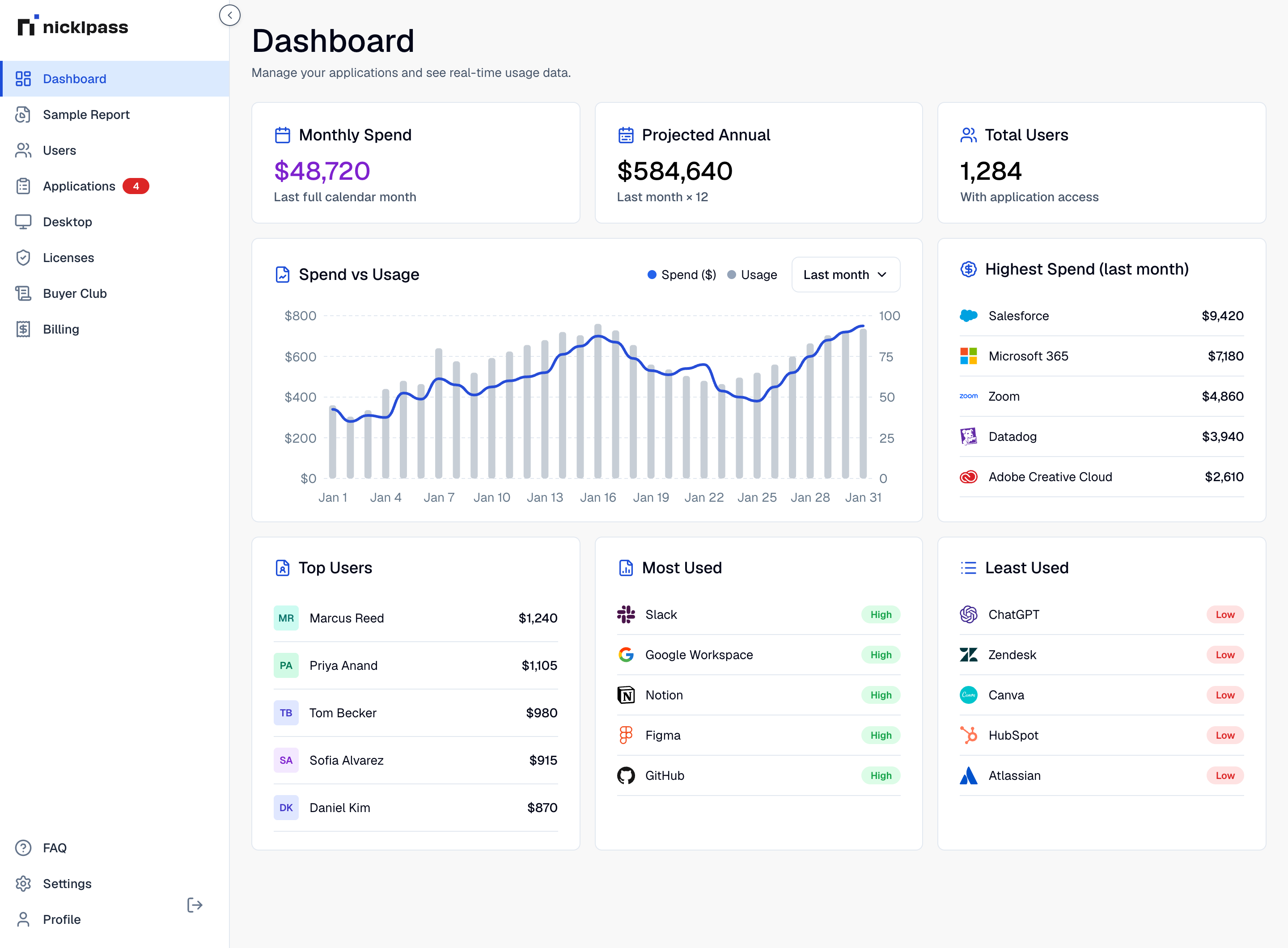
Seats bought on personal cards. API keys issued for a prototype and never revoked. Four tools doing the same job in three departments. The bill is the first honest signal most companies get.
sources of AI cost: per-seat subscriptions and per-token usage
typical savings once duplicates and idle seats are removed
A subscription has a ceiling. Token spend does not, and it grows quietly.
Nicklpass reads AI the way it reads the rest of your stack: who has it, who uses it, and what it costs.
Seat spend is what you signed for. Token spend is what your systems decided to spend. You need both in the same view.
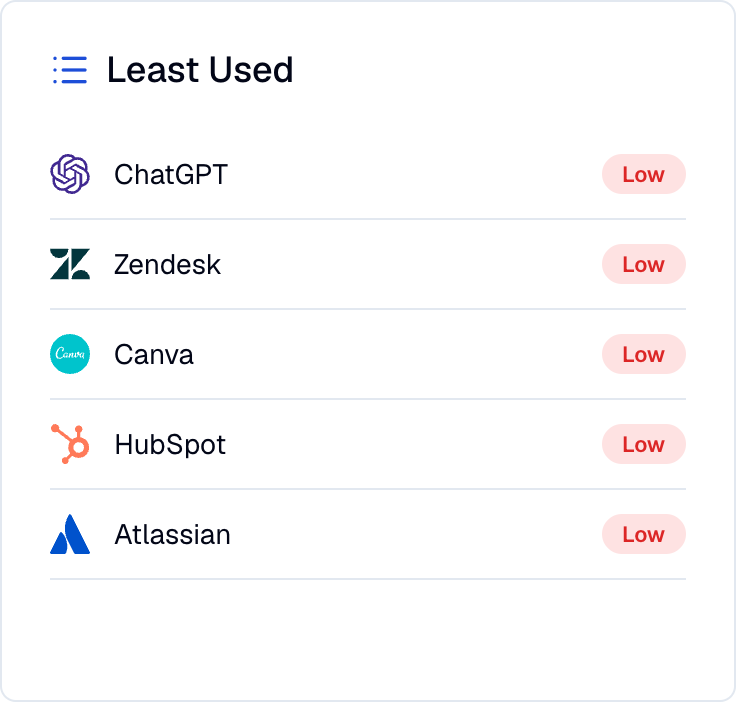
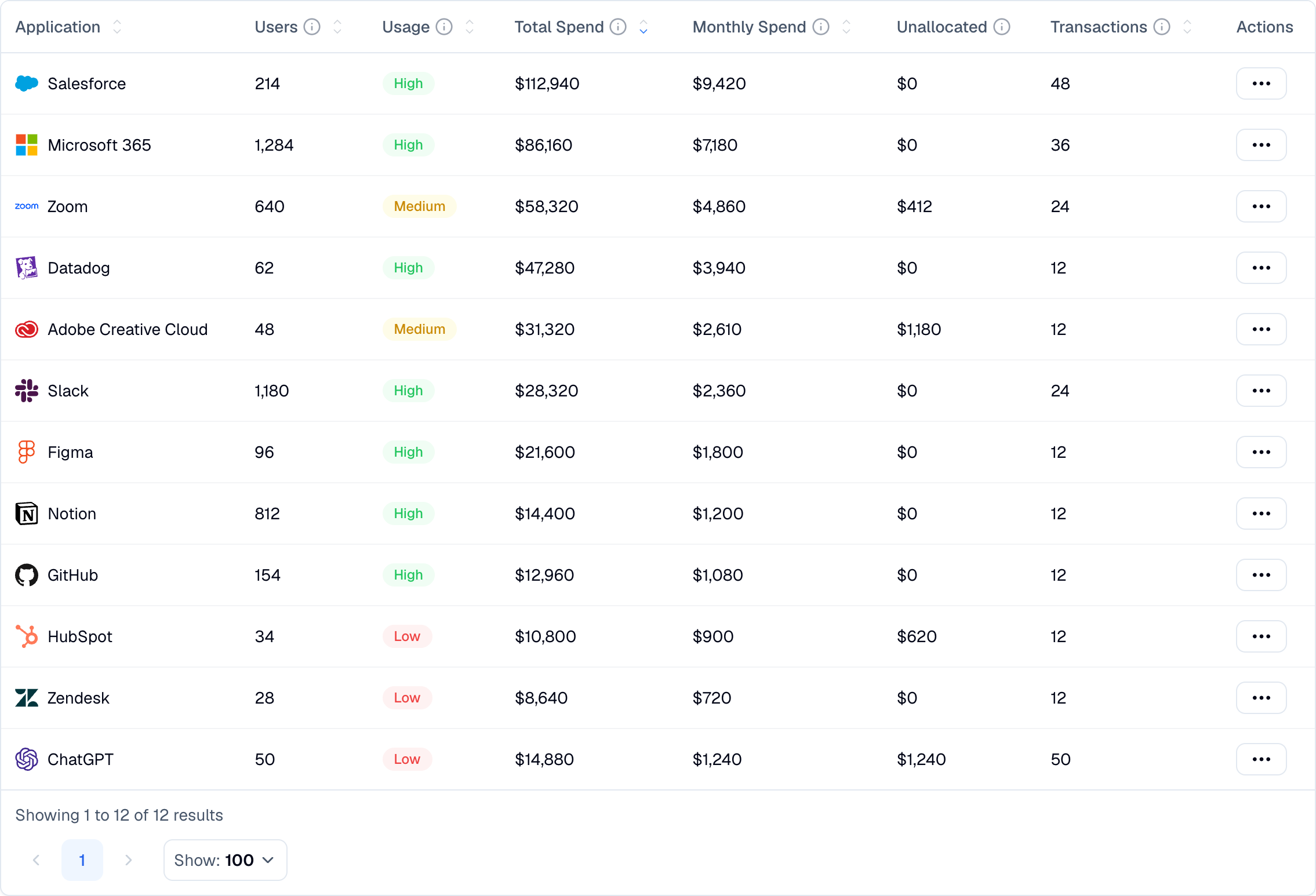
Adoption across the AI applications your teams have adopted, approved or not.
What your APIs, agents, and integrations actually consume.
The accounts nobody registered, and the overlap nobody priced.
Seat adoption, consumption, and the accounts outside your approved stack.
Adoption across ChatGPT, Claude, Gemini, Copilot, and other AI applications.
Model, API, and token consumption, with cost and usage trends by team and provider.
Unapproved AI tools, account sprawl, and usage running outside managed environments.
Nicklpass does not sit in the request path. It reads spend, identity, and activity, and reports on them.
Link bank, card, and QuickBooks so AI charges resolve to real vendors, including tools bought on personal cards and reimbursed later.
Sync users and discover which AI applications people have authorized with their work accounts.
The browser extension shows which AI tools are opened day to day, and provider connections bring in model and token consumption.
Nicklpass agents flag the AI tool someone bought on a personal card, the workspace seat that has gone unused since the pilot, and the integration whose token spend doubled last week. Every action is logged with the dollars it returned.
Enough detail to consolidate on purpose instead of canceling on instinct.
A SaaS seat costs the same whether it is used once or a thousand times. AI does not. A single agent, integration, or batch job can move the bill more in a week than a whole department of subscriptions does in a year, which is why seat adoption and token consumption belong in the same view rather than in two different reports.
No. Nicklpass measures consumption and cost: which tools are used, by whom, how often, and how many tokens against which model. Prompt and response content is never collected.
Often, yes. Charges that come through connected finance accounts or expense reimbursements resolve to the vendor behind them, which is how most unregistered AI subscriptions surface.
Any AI tool in use outside your approved, managed environment. That includes free-tier accounts on work email, personal subscriptions used for work, and API keys issued during a pilot that were never revoked.
No. Nicklpass reports on consumption, it does not sit between your applications and the model provider. Nothing is proxied and nothing is rate limited by us.
You can monitor consumption by user, team, model, and provider, and get alerted on unexpected spikes. Hard caps are enforced at the provider, and Nicklpass tells you when and where to set them.
Talk to sales about provider connections, department-level consumption reporting, and rolling AI seats into governed enterprise workspaces.
average savings on subscription spend
Once AI adoption and consumption sit next to each other, consolidation stops being a guess. Most teams find duplicate tools and idle AI seats in the first month.
