Access lists tell you who could use a tool. Nicklpass tells you who actually does — then turns that into keep, optimize, or cancel.
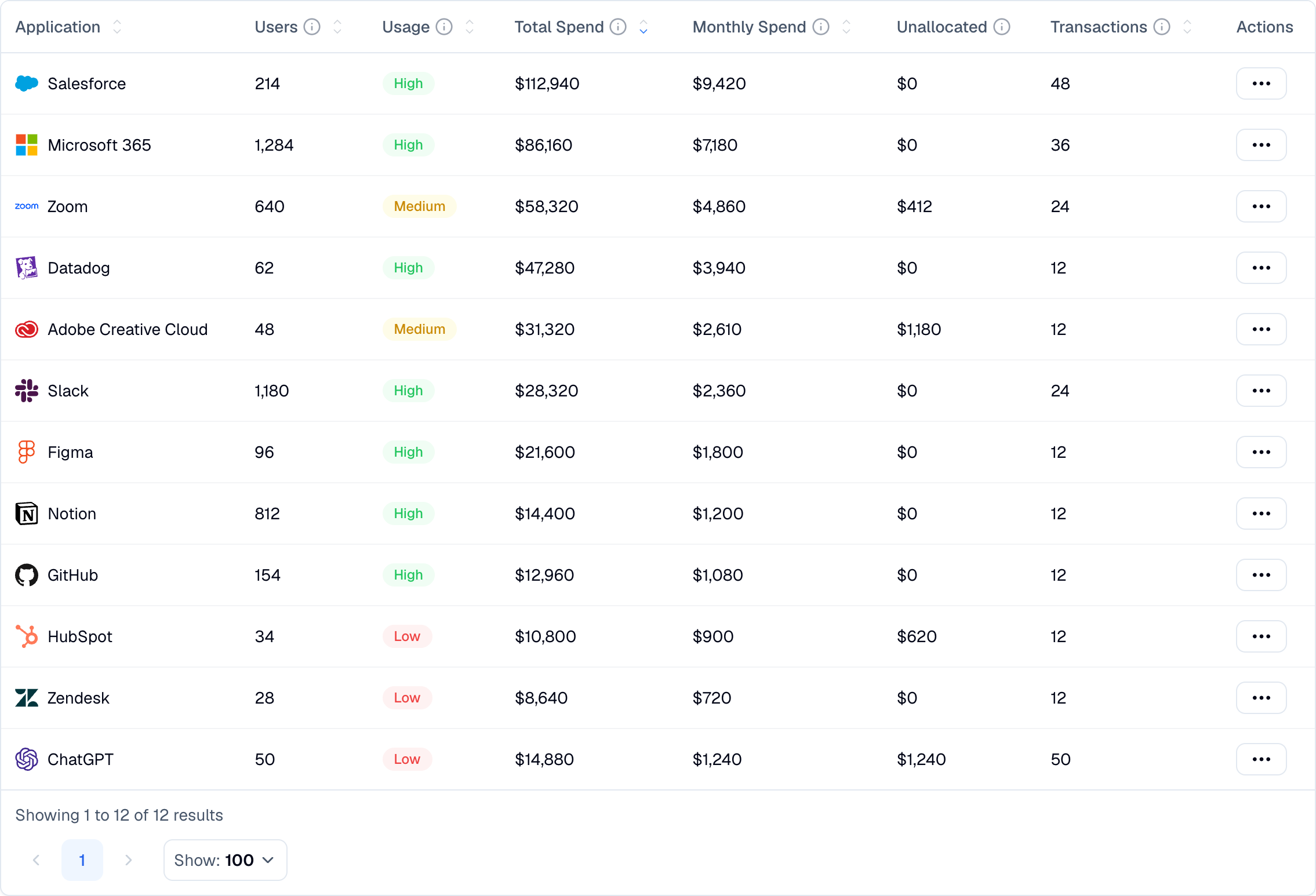
Most software decisions are made from a seat count and an invoice. Neither one tells you whether anybody opened the tool last month.
average license utilization across the stack
of seats sit idle, renewed by default
You renew for a full year based on a number nobody has checked since procurement.
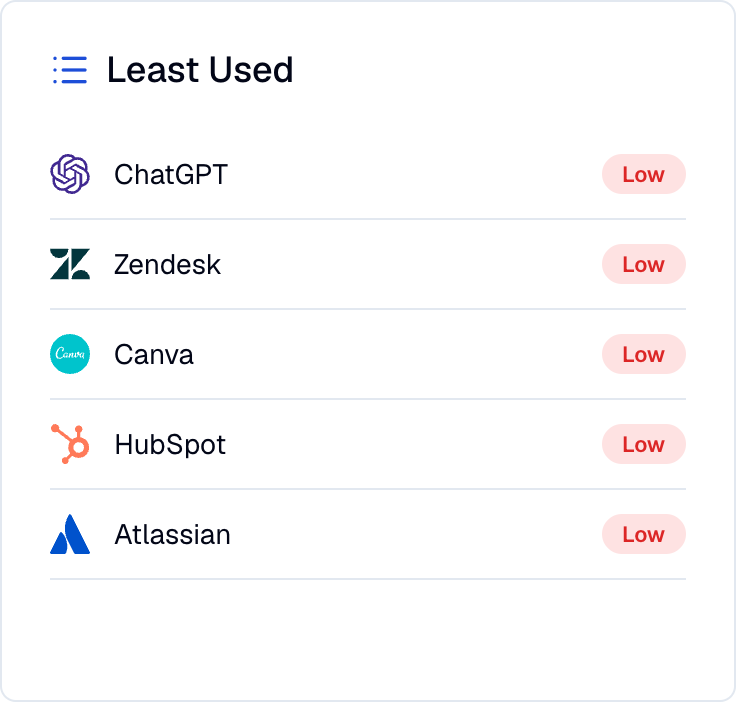
Nicklpass connects the signals you already have — identity, activity, licenses, and payments — and reads them together.
Seats tell you what you bought. Activity tells you who opened it. The gap between them is the renewal you should not sign.
Who is using each application, how often, and when they last signed in.
What you bought against what is actually being touched.
Usage evidence, ready before the contract conversation starts.
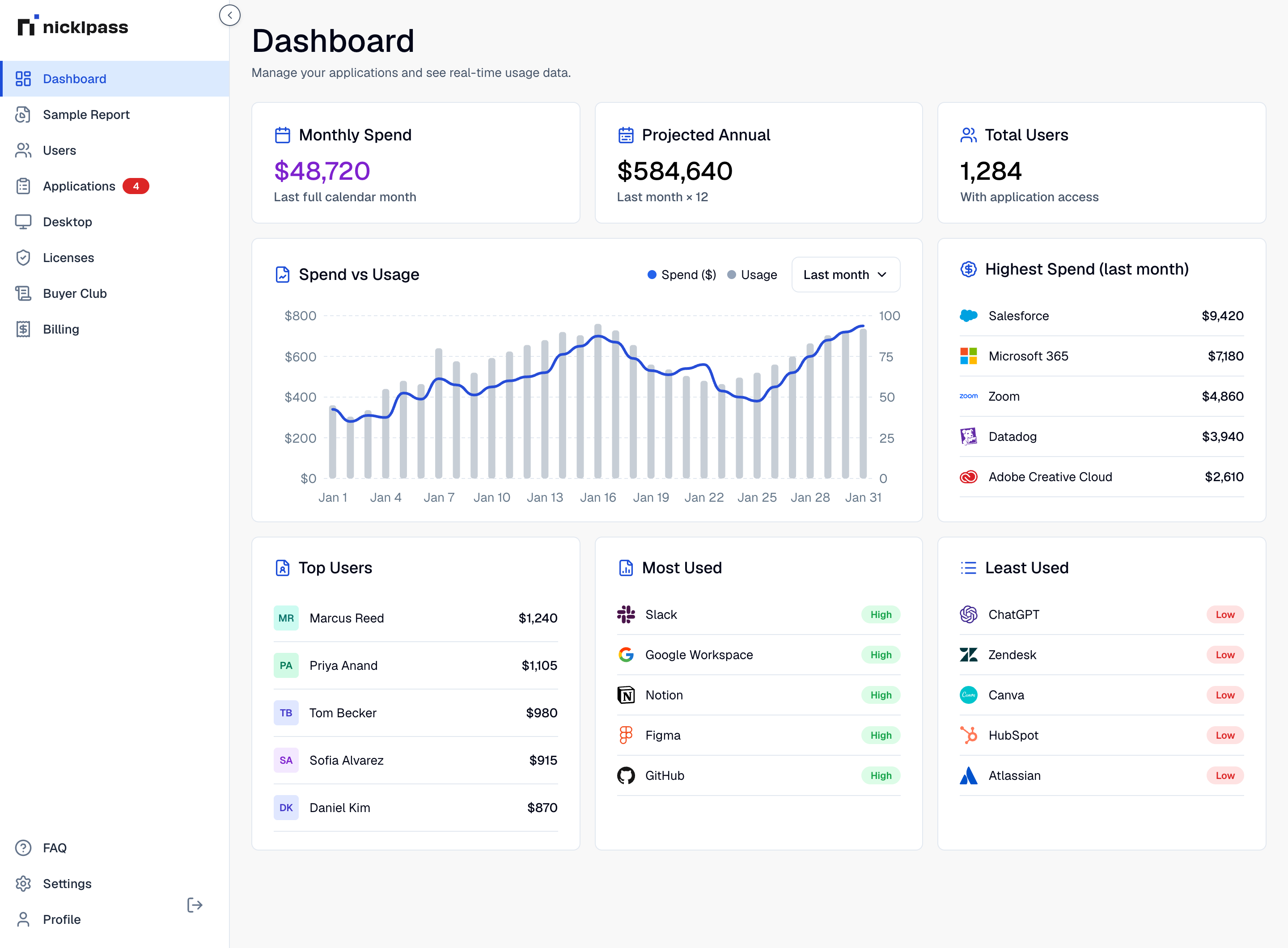
Both run on the same connection. Open whichever question you are trying to answer.
No migration, no change to how your team works. Connect, measure, then act.
Sync users, groups, and sign-in activity from Google Workspace or Microsoft 365 to see who is authorized for what.
The extension measures which approved tools are actually opened. It reads domain-level metadata only, and installs from the admin console.
Nicklpass matches activity to assigned seats and to what you pay, then ranks the tools worth acting on first.
Nicklpass agents watch adoption between renewals, flag the seats that have gone quiet, and tell you what reclaiming them is worth. Every action is logged with the dollars it returned.
The point is not a report. It is a shorter renewal list and a smaller invoice.
Low usage is a question, not a verdict. A tool used by four people once a quarter may still be doing something important, and a compliance tool nobody opens may be exactly as busy as it should be. Nicklpass surfaces the gap and gives you the usage detail behind it. The decision stays with the owner.
No. It reads domain-level metadata only. Never page content, keystrokes, or personal credentials. It measures which approved tools are opened and surfaces non-SSO shadow SaaS, and nothing else.
Sign-in activity from Google Workspace or Microsoft 365, plus the applications authorized with those accounts. That gives you access and last sign-in. The extension is what turns sign-in into usage frequency.
You get access and license gaps immediately. Adoption trends need a few weeks of activity to be worth acting on, which is why most teams connect well before a renewal window rather than during one.
No. Nicklpass sits on top of them. It reads the signals they already produce and adds license and spend context that neither one holds.
Yes. Idle seats can be reclaimed, and access removed, through the lifecycle service. Usage is what tells you which ones are safe to touch.
Talk to sales about deploying Nicklpass with your SSO or MDM system, and about department-level reporting for software asset management teams.
average savings on subscription spend
Connecting usage to licenses and spend is what turns a renewal into a decision. Teams typically clear the cost of Nicklpass in reclaimed seats inside the first month.
