Every subscription across the company, including the ones bought on a personal card, then keep it, shrink it, or cut it on purpose.
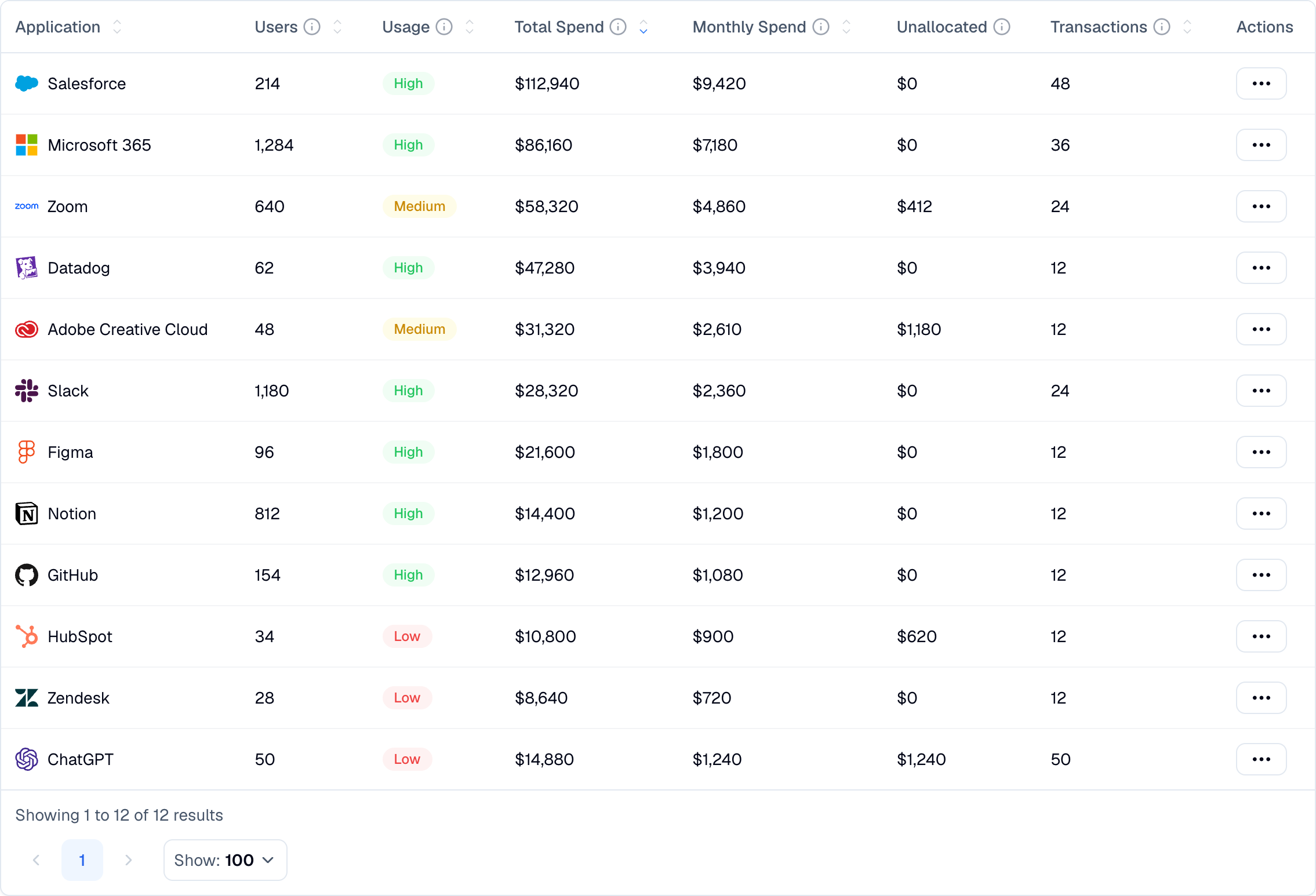
Tools arrive through expense reports, free trials, and whoever needed something on a Friday. By the time anyone counts them, the same job is being done three times in three departments.
to 50% of active tools most teams cannot name
average license utilization on the ones they can
The tools you know about are the cheap problem. The ones you do not are the expensive one.
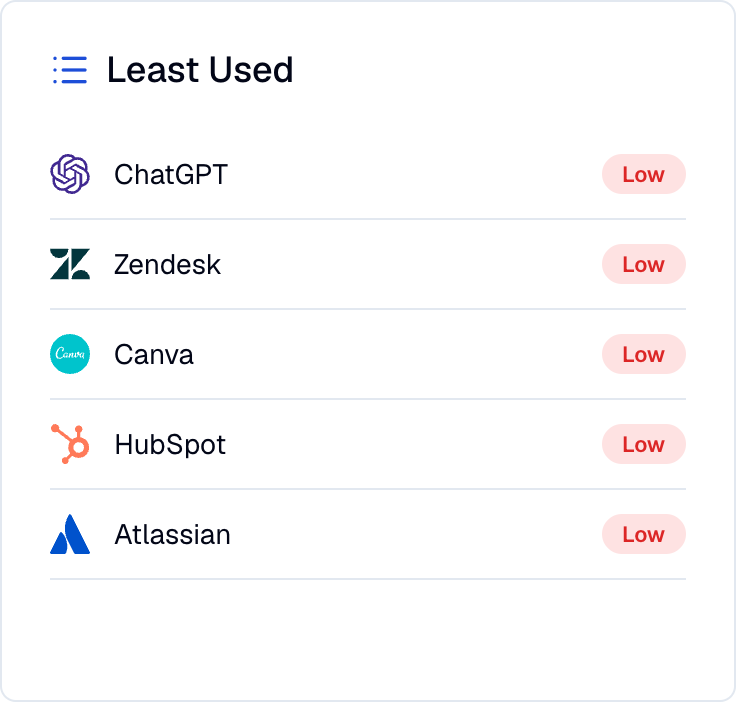
Nicklpass resolves every recurring charge to a real vendor, matches it to who uses it, and ranks what is worth acting on.
Spend tells you what you bought. Usage tells you who touched it. The gap between them is the money.
Every tool you pay for, wherever the charge came from.
Fewer seats, lower tiers, and nothing paid for out of habit.
So the stack does not quietly rebuild itself next quarter.

No migration and no change to how your team works. Nicklpass reads what your existing systems already produce.
Link bank, card, and QuickBooks through Plaid. Recurring charges resolve into subscriptions with real vendors and amounts, including personal-card purchases that come through expenses.
Sync users and discover the third-party applications people have authorized with their work accounts.
Domain-level usage signal on which approved tools are actually opened, and which non-SSO tools are running outside the stack. Installs from the admin console.
Nicklpass agents flag new subscriptions as they appear in spend, reclaim seats that have gone idle, and point out where two teams are paying for the same capability. Every action is logged with the dollars it returned.
Keep, reduce, or cancel becomes a decision with evidence rather than a spreadsheet exercise.
A tool used by four people once a quarter may still be doing something important, and a compliance tool nobody opens may be exactly as busy as it should be. Nicklpass surfaces the gap and the usage detail behind it. The call stays with the owner, which is why the owner is on the record.
Three ways. Recurring charges in connected finance accounts, third-party apps authorized with work accounts, and the browser extension surfacing non-SSO tools in daily use. Most unregistered subscriptions show up in the first.
Usually, yes. If the purchase comes back through expense reimbursement in a connected account, the vendor resolves the same way any other charge does.
No. It reads domain-level metadata only. Never page content, keystrokes, or personal credentials. It measures which approved tools are used and surfaces non-SSO shadow IT, and nothing else.
Most teams find savings in the first 30 days, usually from reclaimed shelfware, duplicate tools, and renewals caught before the deadline. That is typically enough to cover the cost.
No. Nicklpass sits on top of your existing stack. Nothing is migrated and nothing is rebuilt. Your team keeps working exactly as it does now.
Talk to sales about SSO and MDM deployment, department-level reporting, and approved stack policies across business units.
average savings on subscription spend
Finding the stack is the first month. Keeping it right-sized is what the connection buys you every month after that.
