To find and cancel unwanted subscriptions, use Nicklpass to first discover all active software by connecting your workspace, running usage collection, and syncing Plaid. Its dashboard shows what you're paying for, who's using each tool, where licenses go unused, and which subscriptions aren't delivering value. Ongoing monitoring and governance is then what keeps you in control of what to keep, optimize, or cancel.
To find and audit subscribed SaaS, AI and digital tools, first complete your guided Nicklpass set up by connecting your email, downloading the extension, and connecting Plaid.
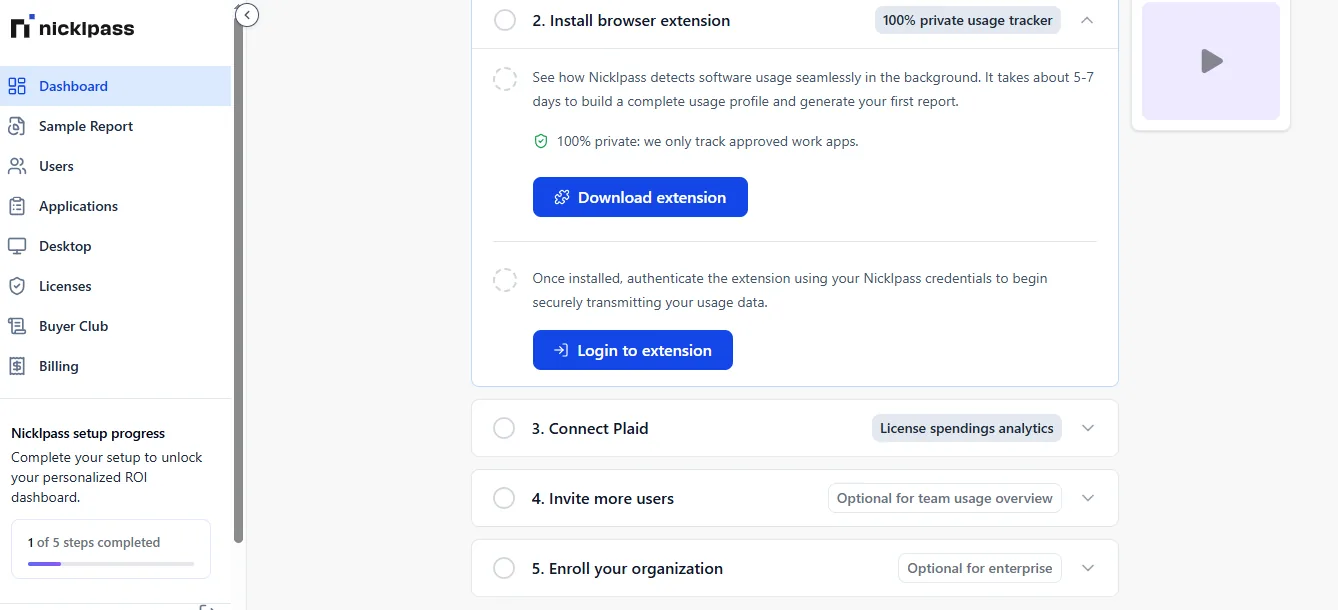
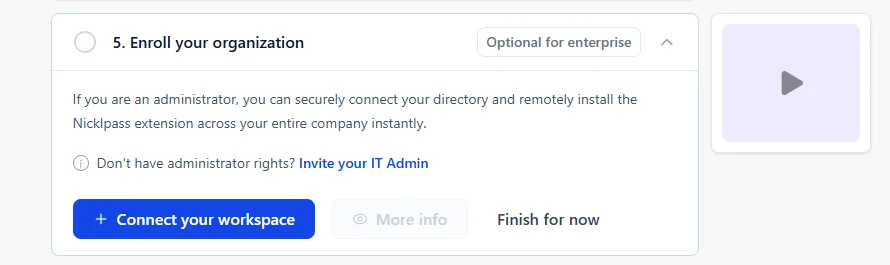
If you're setting up an enterprise dashboard, connect your directory and remotely install the Nicklpass extension across your entire company in one go with administrator privileges.
Plaid and QuickBooks transaction data help Nicklpass identify recurring software and AI charges, including purchases outside central procurement.
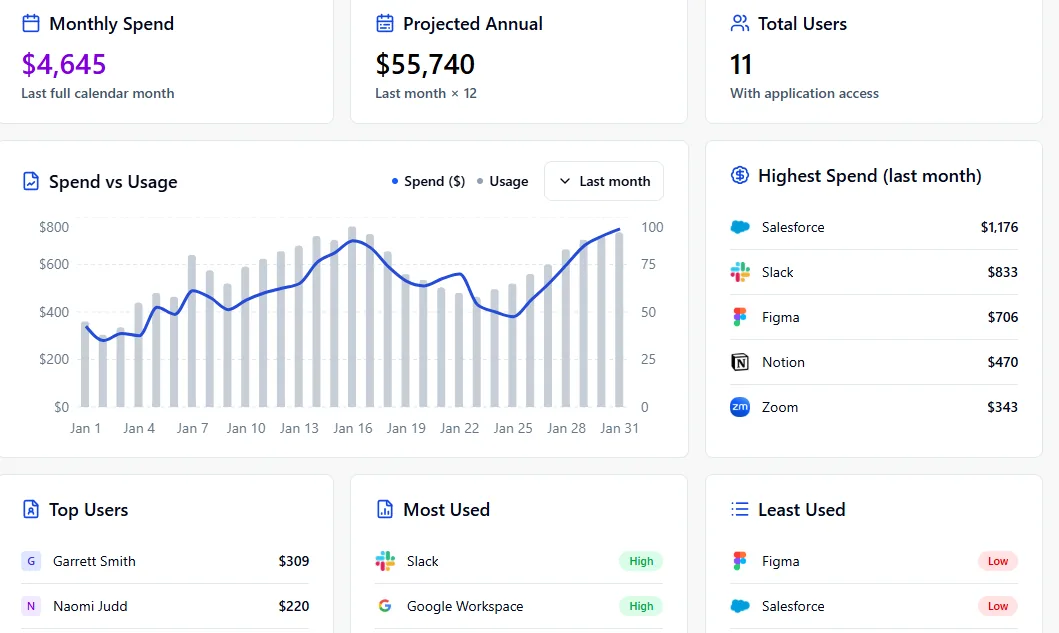
Completing authentication and integration provides you with an ROI dashboard, displaying:
See your total AI, SaaS, and software spend in one place, know which tools, teams, or users are driving costs, and spot subscriptions you're paying for but barely using.
Get a view of your yearly software costs, plan ahead for renewals and upcoming expenses, and avoid surprise bills.
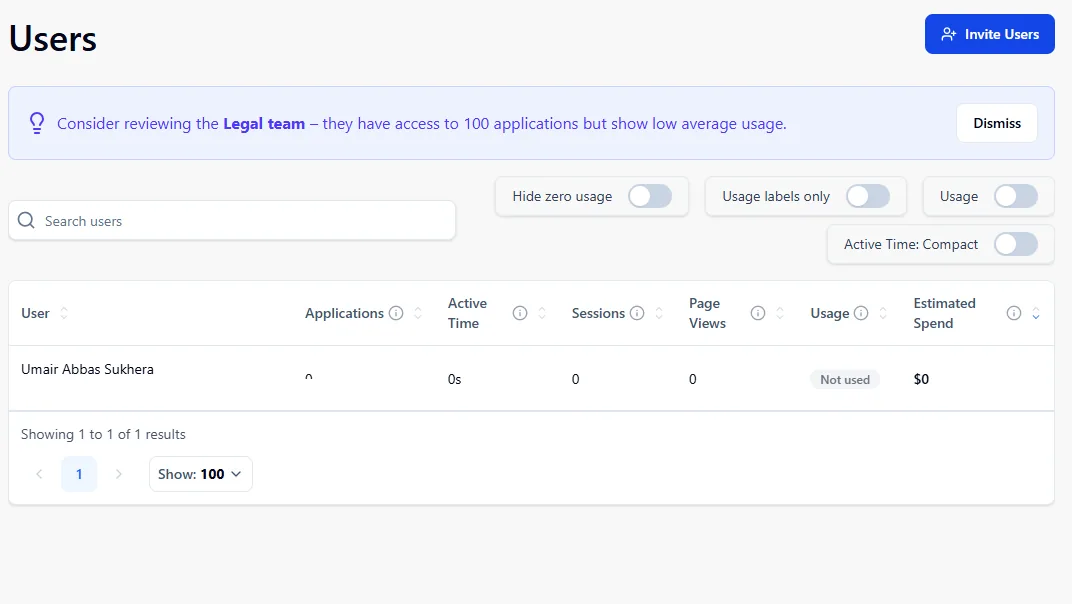
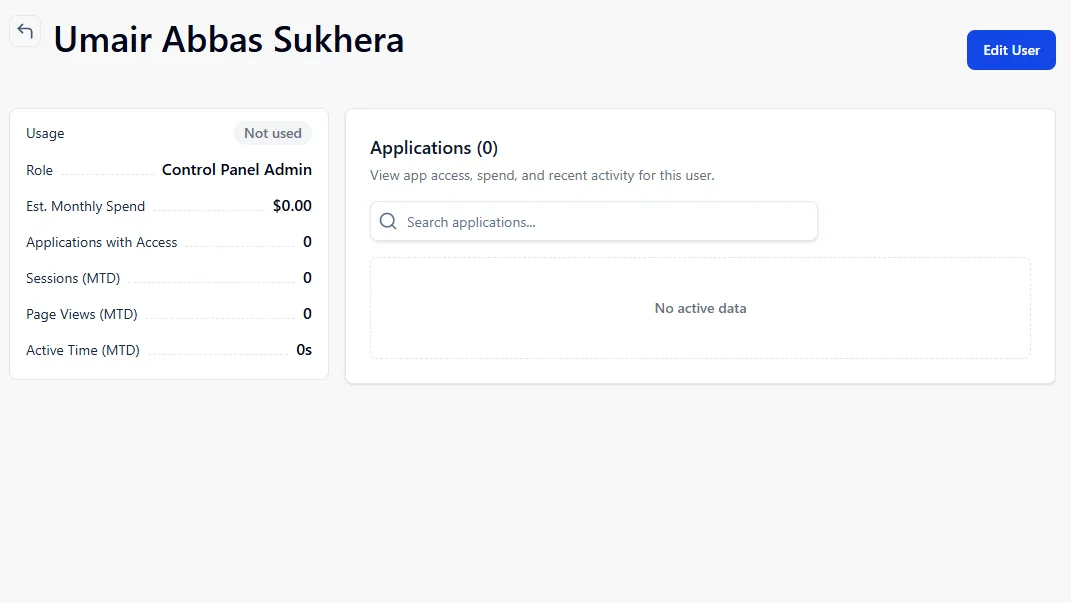
See everyone with access to your tools, know who's active, inactive, or underusing licenses, and make sure you're not paying for seats nobody uses.
Compare what you're paying with what you're using, find expensive tools that aren't being adopted, and understand which subscriptions are actually worth it.
See which apps are costing you the most, track where your budget is going month over month, and make smarter renewal and negotiation decisions.
Find the people getting the most value from your tools, identify teams leading adoption, and learn what good usage looks like.
See which apps your team actually relies on and double down on tools creating real value.
Find apps collecting dust and cut unnecessary licenses to reduce wasted spend.
Using the above insights, review all active subscriptions and categorize them into:
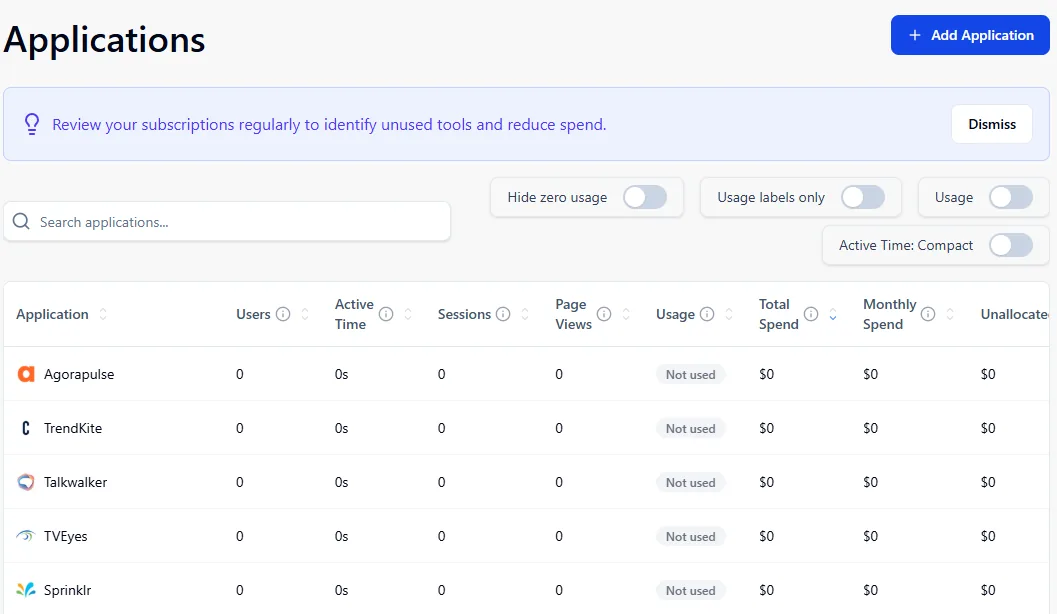
Look for signals such as:
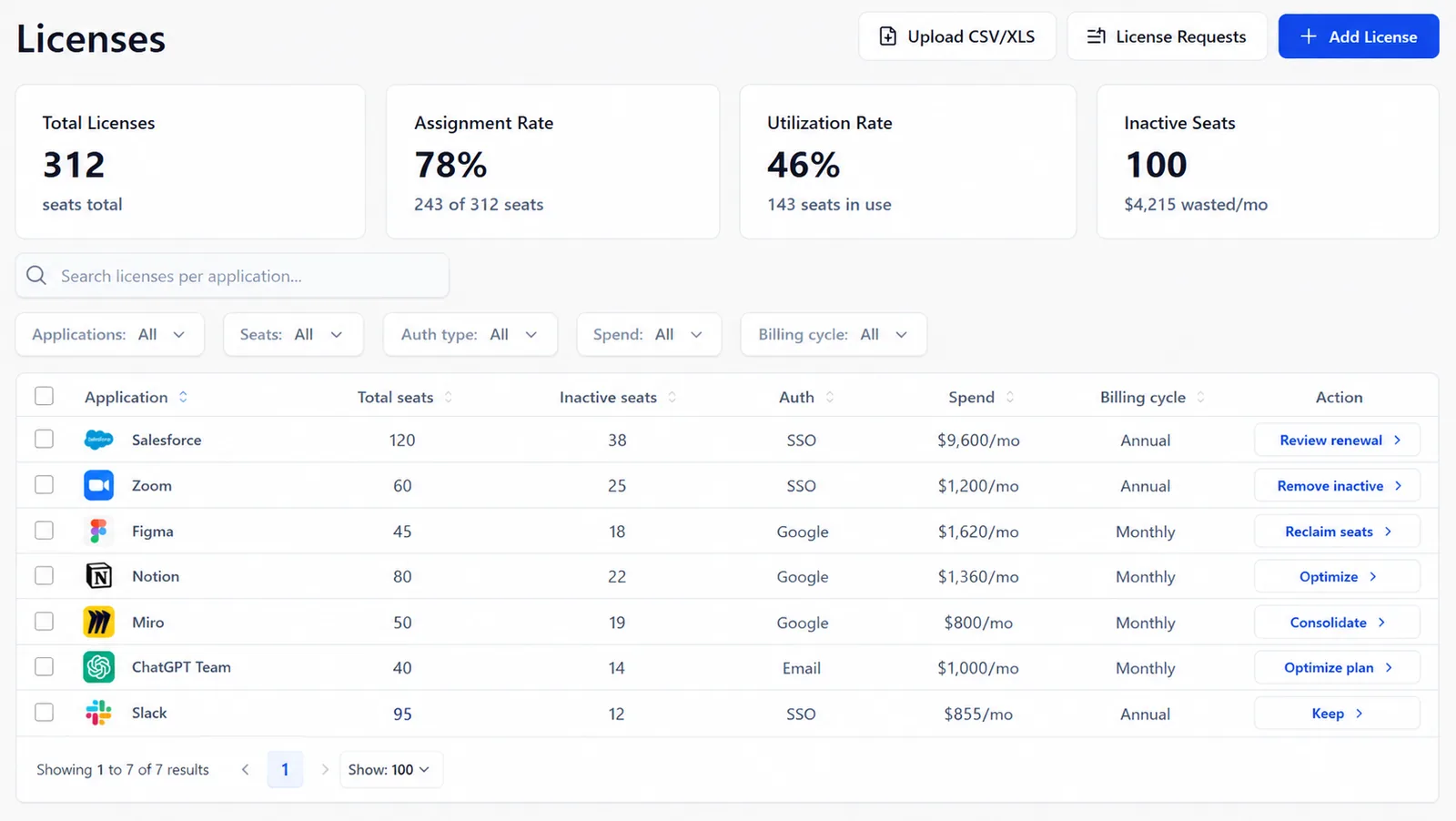
1. Unused licenses → Reclaim licenses or cancel seats that are no longer needed.
Keep if licenses are actively assigned and regularly used; optimize by reducing unused seats or reassigning them to other people in your org.
2. Duplicate applications solving the same problem → Consolidate tools and keep the platform that provides the most value.
Keep the tool with higher adoption, better ROI, and stronger feature usage; cancel redundant alternatives.
3. Expensive tools with low adoption → Optimize the plan, reduce seats, or consider cancellation.
Keep if the tool has high business impact and frequent usage; downgrade or cancel if adoption remains low.
4. Former employees still assigned licenses → Remove access and reclaim unused licenses.
Keep only licenses assigned to active users with ongoing business needs.
5. Upcoming auto-renewals → Review usage and decide whether to keep (high adoption, strong ROI, business-critical), optimize (unused seats, downgrade opportunities), or cancel (low usage, no clear owner) before renewal.
For each subscription, review:
See exactly where your money is going, what each tool costs you every month and year, and which subscriptions are eating up your budget.
Know who's actually using each tool, who isn't, and whether you're paying for seats that are just sitting there.
Spot tools that haven't been touched in weeks or months and find subscriptions that might be collecting dust.
Understand what each active user is really costing you and whether the tool is worth the money you're putting into it.
See if your team is actually using the features you're paying for or if you're paying for bells and whistles nobody needs.
Once subscriptions are identified:
Software waste often returns when there is no ongoing monitoring.
Set up recurring reviews to:
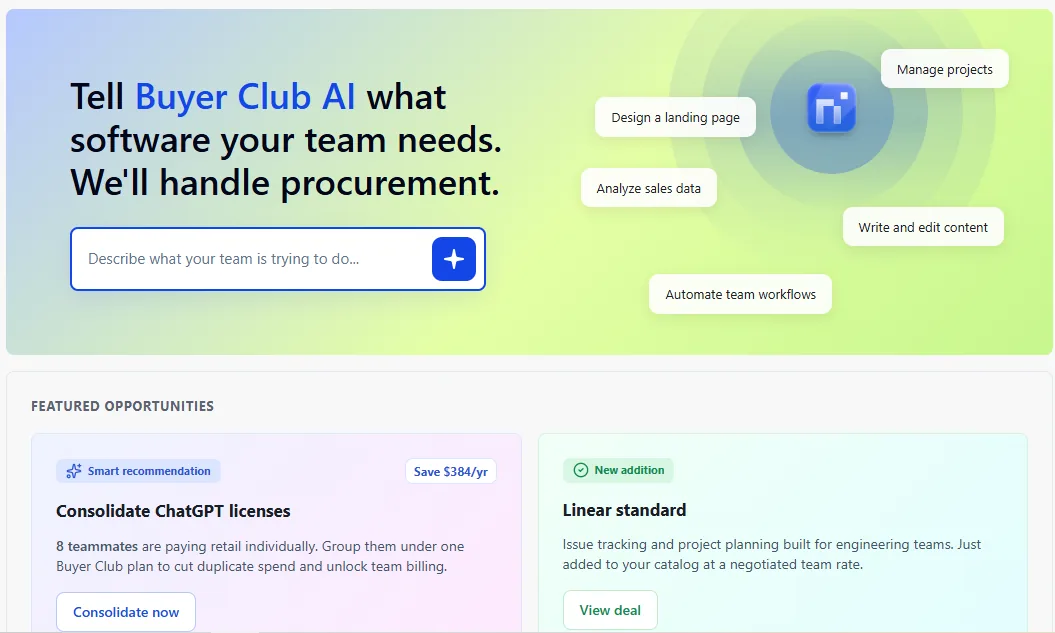
After identifying unnecessary subscriptions and reducing software waste, use the Nicklpass Buyer Club to find the right software, unlock better pricing, consolidate subscriptions, avoid duplicate tools, and manage all approved purchases from one place.
The hardest subscriptions to cancel are usually enterprise tools with auto-renewals (Salesforce, Adobe, ServiceNow), since renewal windows are easy to miss and contracts often lock in another billing cycle; tools with unclear ownership (a forgotten HubSpot, GitHub Enterprise, or AI subscription with no accountable owner), since nobody is responsible for reviewing usage or cancellation decisions; unused licenses (inactive seats in Figma, Zoom, Jira, or ChatGPT Enterprise), where companies keep paying for access nobody needs; or tools with deep integrations (Okta, AWS, Snowflake) that multiple teams depend on, where removing them risks disrupting critical workflows.
For subscriptions that are difficult to cancel, start by reviewing contract terms and renewal dates — checking Salesforce, Adobe, Microsoft, or other enterprise agreements for cancellation windows, notice periods, and auto-renewal clauses. Next, revoke user access through identity controls (removing inactive users from Okta, Microsoft Entra ID, Google Workspace, or similar systems), remove payment authorizations (stopping recurring card payments or purchase approvals linked to unused subscriptions), reclaim licenses (recovering unused seats from tools like Slack, Figma, Jira, or ChatGPT Enterprise), and submit formal non-renewal requests before deadlines expire.
Subscription creep is a core governance and operational challenge. As organizations continue to adopt specialized SaaS applications, AI models, research tools, and publisher subscriptions, maintaining visibility requires an automated, centralized platform.
Connect your spend and your workspace, and see the gap between what you pay for and what gets used.
